

What are datasets?
A dataset is a container that holds multiple test cases for a specific pipeline. Each test case consists of:- Inputs - The data passed to your AI model
- Expected outputs - The desired response from your model
- Name - A descriptive identifier for the test case
- Metadata - Additional context and information
- Run systematic evaluations across multiple test cases
- Compare model performance between different versions
- Track evaluation metrics over time
- Import and export test data in various formats
Creating datasets
You can create datasets through the Gentrace web interface or programmatically using the SDK.Creating via web interface
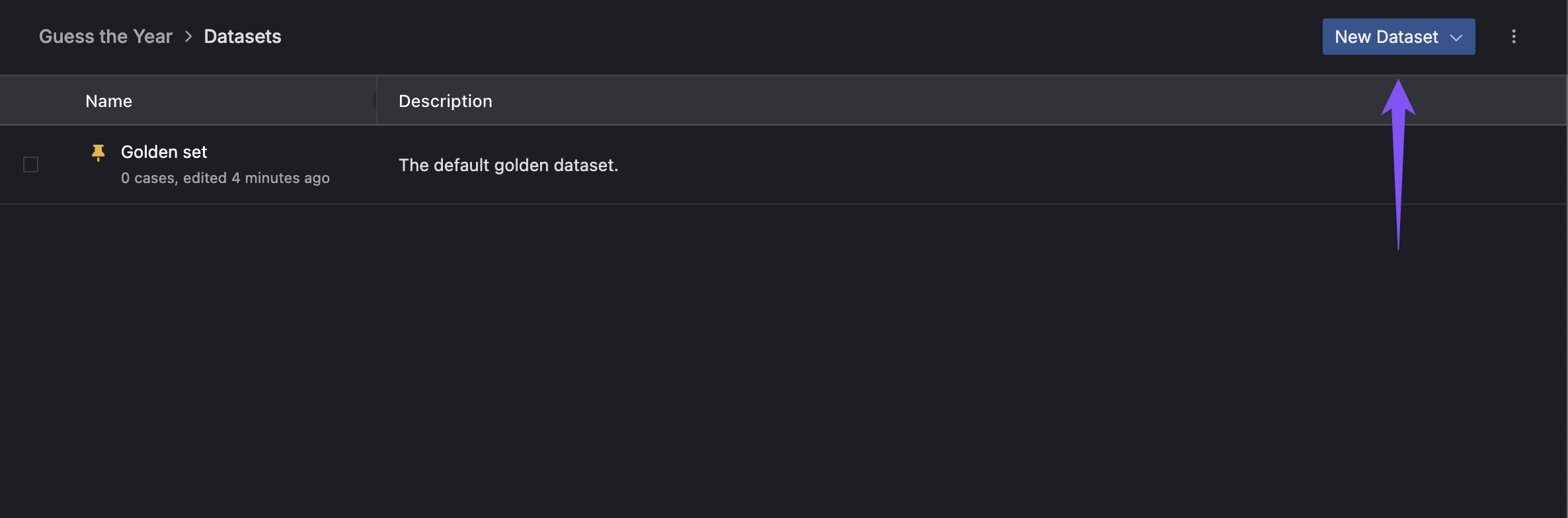
- Navigate to your pipeline in the Gentrace dashboard
- Click “New Dataset” to create a dataset for your pipeline
- Give your dataset a descriptive name and description
Creating via SDK
Managing test cases
Test cases are the individual data points within your dataset. You can create them one at a time or in bulk.Creating single test cases
Listing test cases
Updating and deleting test cases
Managing datasets
Listing datasets
Updating datasets
Importing data
You can import test cases from CSV, JSON, or JSONL files to quickly populate your datasets.CSV import
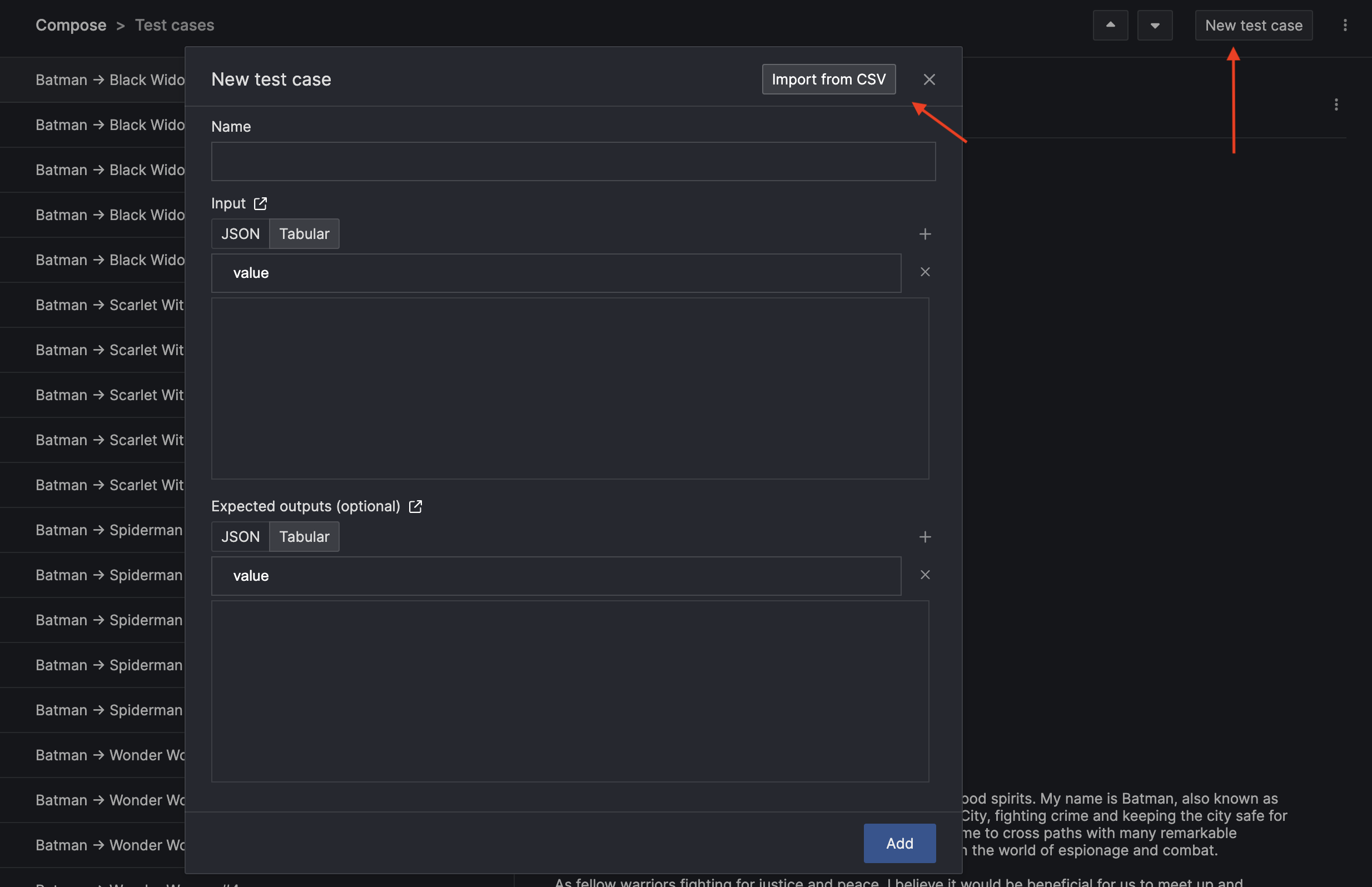
The easiest way to import large amounts of test data is through CSV files. Your CSV should have columns for the test case name, inputs, and expected outputs. Example CSV structure:- Navigate to your dataset in the Gentrace dashboard
- Click “Import” and select your CSV file
- Map the CSV columns to your dataset fields
- Review and confirm the import
JSON/JSONL import
You can also import JSON or JSONL files with structured test case data:Using datasets in evaluation
Once you have datasets with test cases, you can use them to evaluate your models and pipelines.Running evaluations with evalDataset()
Datasets integrate seamlessly with Gentrace’s evaluation system usingevalDataset():
Golden datasets
Each pipeline can have a “golden dataset” - a special dataset that represents your core test cases. You can mark a dataset as golden when creating or updating it:Best practices
- Organize by use case - Create separate datasets for different types of evaluations (accuracy, safety, performance)
- Use descriptive names - Make test case names clear and searchable
- Include edge cases - Test boundary conditions and error scenarios
- Version your datasets - Keep historical versions as your use cases evolve
- Regular updates - Add new test cases based on real-world usage patterns
- Archive old datasets - Use the
isArchivedflag to maintain clean dataset lists
Next steps
- Learn about experiments to compare model performance
- Set up unit tests for continuous evaluation
- Explore dataset tests for comprehensive evaluation workflows
- Check out the Test Cases SDK reference for more advanced usage